Getting started Your first ten minutes in Sosa.
Sosa is a spatial workspace for brand marketing. Strategy, posts, Stories, Reels, docs and feedback live as cards on one board, and the same posts show up in your calendar and feed planner.
This is a placeholder guide. The full version will walk through a real first session.
How Sosa works →
From Home, choose New board , give it a name and start adding cards. A good first board is one month of one brand.
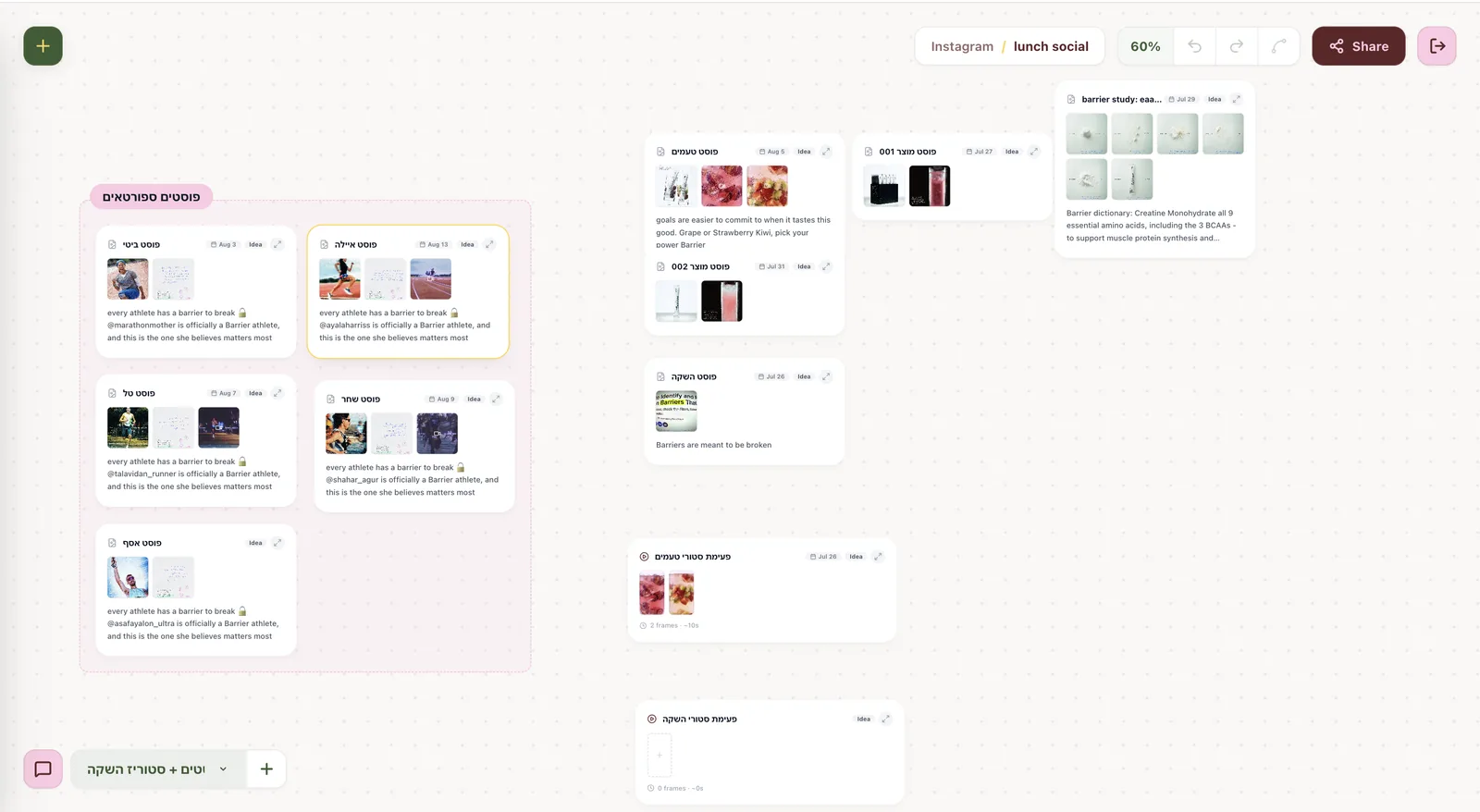
Open Home. Choose New board. Add a Post card and write the idea first, the caption later. Posts, Stories, Reels, docs, sticky notes, text, checklists, references and more. Every card does one job, so a board stays easy to read.
Placeholder: a visual list of every card type will live here.
A board with a group of posts and loose notes. Yes. Open a brand, choose Share and send an invite link. Everyone you invite works in the same brand space.
Placeholder: roles and permissions will be explained here.
Boards and cards Arrange the work the way you think about it.
Select a few cards, right-click and choose Group . A group moves as one and can be renamed and coloured.
Sheets are the tabs at the bottom of a board. Use them to split one board into stages, like ideas, this week and done.
Yes. Press Cmd+Z (or Ctrl+Z ) to undo and Shift+Cmd+Z to redo. Deleting a card can always be undone.
Feed and calendar One post, three views: board, calendar and feed.
Give the post a date on its card, or drag it onto a day in the calendar. The date is the same everywhere: change it in one place and every view follows.
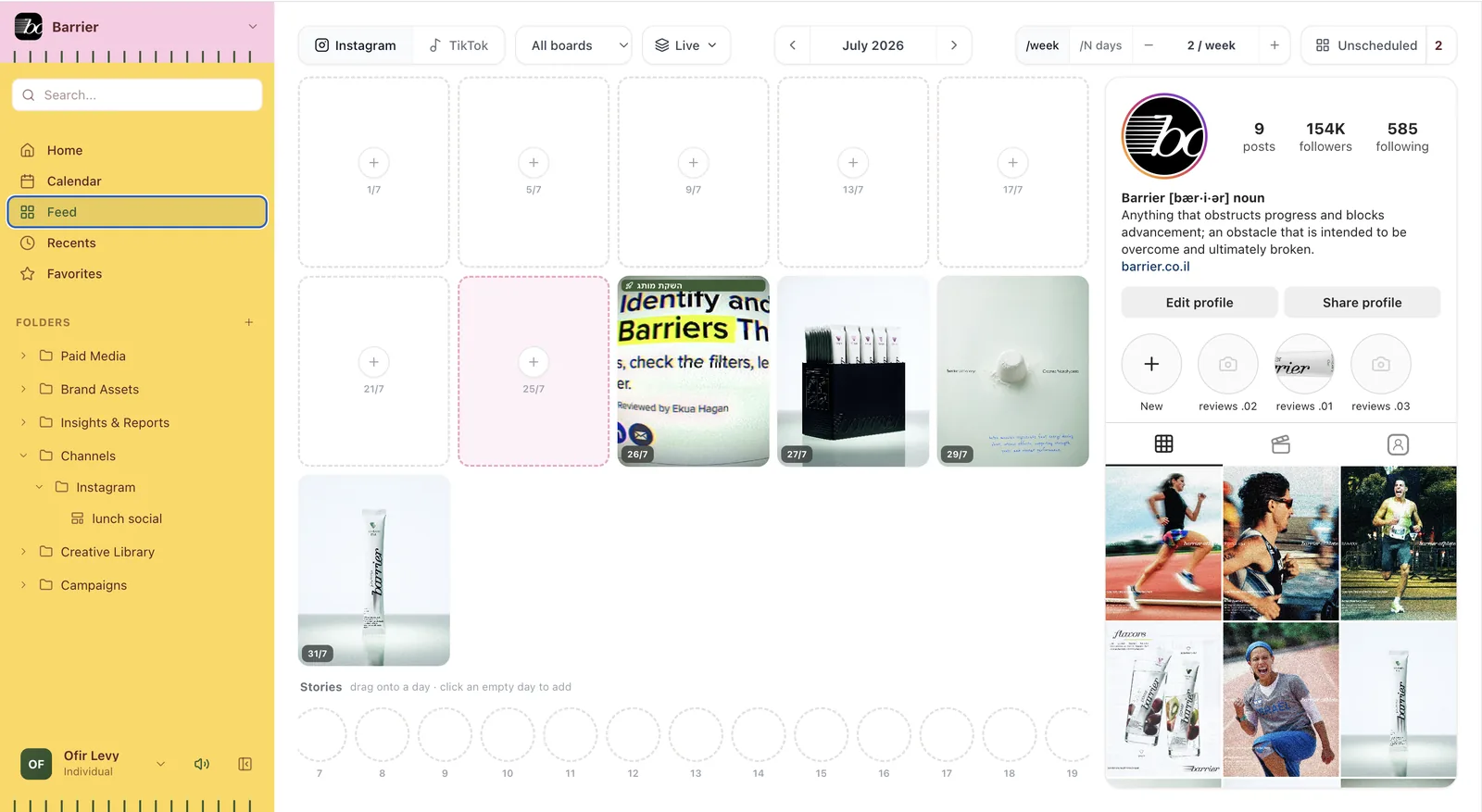
The feed planner shows the grid people will see on your profile, month by month. Drag posts to reorder them and see the profile change before anything goes live.
The feed planner, one month at a time. Instagram and TikTok today. Placeholder: this answer will list what each channel supports.
Approvals Get the month signed off without a meeting.
Open the month, choose Send for approval and share the link. Your client sees every post as it will look and decides on each one. No account needed.
The post comes back to you with the note. Fix it and send the next round: the client only sees what changed.
Account and billing Plans, brands and your data.
Free gives you one brand space and three active boards. Pro and Studio add unlimited brands, boards and team features.
See pricing →
Your workspace is stored securely in the EU (Frankfurt) and is private to you and the people you invite.
Placeholder: the full privacy guide will be linked here.
From your account settings, in one click. You keep access until the end of the period you paid for.